
Image

Data Bundle
Excel for Business: Data Management +
Power BI Fundamentals for Business
Bundle Overview
Master data with confidence and drive better business decisions!
Save 20% when you enrol in both Excel for Business: Data Management and Power BI Fundamentals for Business.
This bundle helps you develop essential data skills – clean, organise, and analyse information, uncover trends, and present insights clearly to stakeholders. Whether streamlining reporting or supporting strategic initiatives, this bundle will help you uncover key insights and communicate them with impact.
Add both courses to your cart, and your 20% discount will be applied automatically at checkout.
Select Your Course Location and Dates
Excel for Business: Data Management
Duration:
2 Days
Delivery Mode:
On-Campus or Virtual
Price:
$2080.00
Faculty:
Experience Level:
Foundational
Power BI Fundamentals for Business
Duration:
1 Day
Delivery Mode:
On-Campus or Virtual
Price:
$1150.00
Faculty:
Experience Level:
Foundational
Learning Outcomes: Excel for Business: Data Management
Upon completion of this course, you will be able to:
- Navigate the Excel interface, customise settings and manage multiple worksheets efficiently
- Learn best practices for inputting, editing and formatting data for clarity and readability
- Adjust, insert, delete and freeze panes to keep data structured and accessible
- Use formulas, including SUM, AVERAGE, IF, COUNT and LOOKUP functions to calculate and analyse data
- Organise data alphabetically, numerically and by multiple criteria to extract insights easily
- Create and customise bar, pie and line charts to communicate trends and patterns clearly
- Apply validation rules and implement best practices for data integrity
- Discover formatting shortcuts, templates and essential Excel functions to work smarter
Image
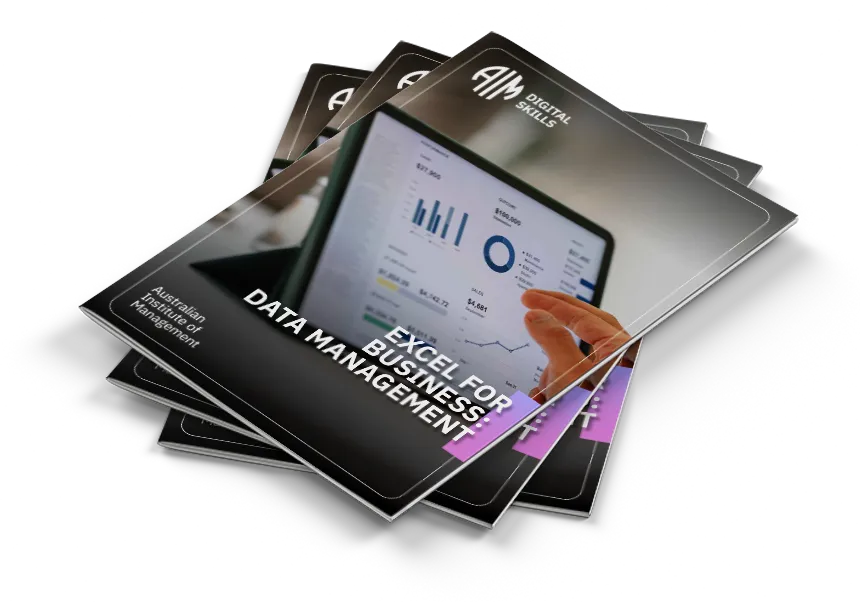
For the full 2-day agenda download the expanded Data Bundle Course Guide download
Learning Outcomes: Power BI Fundamentals for Business
Upon completion of this course you will be able to:
- Understand the fundamental concepts and benefits of Power BI
- Navigate and utilise the Power BI Desktop interface effectively
- Connect to various data sources and import data into Power BI
- Apply data transformation and cleansing techniques using the Power Query Editor
- Establish relationships between tables and learn to use DAX measures for data modelling and calculations
- Design visually compelling and interactive reports using a variety of visualisation types
Image